
Large gifts are a huge boost, but they don’t offer the reliability of a nonprofit’s monthly donors. Recurring gifts (also called sustained or subscription giving) are the steady cash flow that keep an organization running day-to-day. So, once a nonprofit builds that kind of consistent support, protecting and keeping it is a priority.
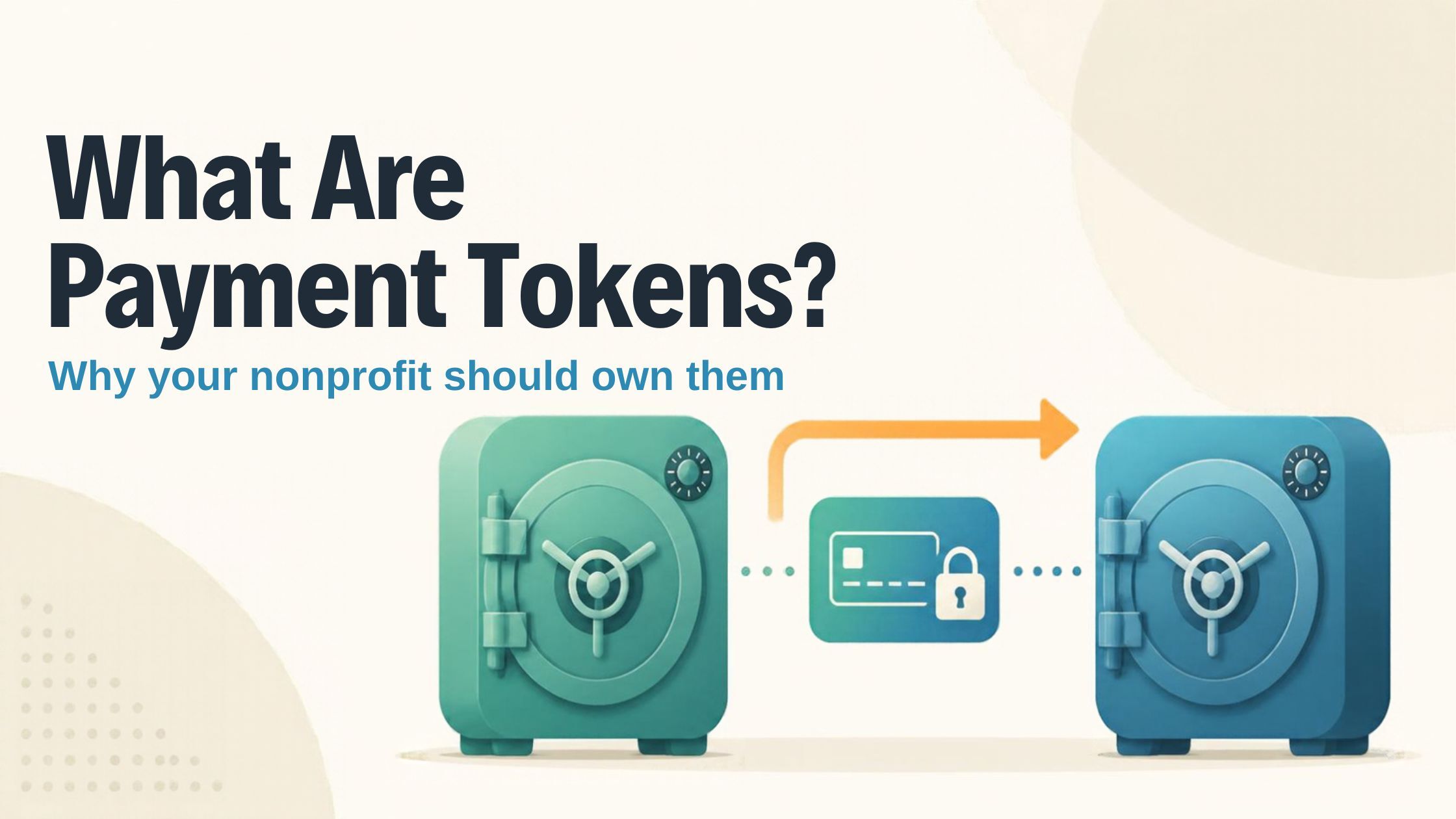
The mechanism that enables those recurring gifts between your nonprofit fundraising platform and a payment processor like Stripe is what’s called a payment token.
Payment tokens may seem like something your nonprofit doesn’t need to think about, but they are crucial. Who owns them determines whether donors’ monthly gifts follow you to a new platform via a vault-to-vault transfer, or you have to ask donors to re-enter their card information.
If your org has a recurring giving program (and 59% of nonprofits do) understanding what payment tokens are, how they function, and why a nonprofit should own them is crucial.
What is a Payment Token?
How Payment Tokens Power Recurring Donations
To comply with strict credit card safety regulations, fundraising platforms don’t store donor’s card numbers themselves. The payment processor (for example, Stripe) keeps the card details in its secure vault, and the platform only retains a customer ID that points to those details. When a gift is due, the platform sends that ID to the processor, and the processor charges the card on file.
Here’s how a recurring donation is processed:
- The scheduled giving date arrives. Your fundraising platform automatically connects with the processor’s system, asking it to ‘please process a $50 charge for Customer ID cus_123 using their saved payment token.
- The payment processor matches the stored token to the customer ID, processes the charge request, then returns a success or failure notification back to the platform.
How a Recurring Donation Is Processed
Who Owns Donors’ Payment Tokens?
Whoever controls the processing account also owns the payment tokens. Importantly, each token lives inside one processor account, works in that account, and only that account’s owner can ask the processor to move the card data.
If your monthly donors give through a fundraising platform’s Stripe account, their saved cards remain in the account. In other words, you can’t take them with you unless your platform agrees to transfer them.
To protect your recurring giving, use a payment processing account in your organization’s name. not one that belongs to a fundraising platform. You may assume this kind of ownership is standard. It is not.
When a nonprofit uses a fundraising platform, payment processing works one of two ways:
- The nonprofit uses its own Stripe or payment processing account. If you don’t have one, some platforms direct you to set one up as part of the process. By owning it, you have a direct relationship with your payment processor.
- The nonprofit uses the fundraising platform’s Stripe or payment processing account. In this case, you do not have a direct relationship with your payment processor.
Nonprofit-Owned vs. Platform-Owned Payment Processing Accounts
| Detail | Nonprofit-owned processor account | Platform-owned processor account |
|---|---|---|
| Account holder | The nonprofit | The fundraising platform |
| Where recurring donors' card data is stored | In the processor's vault, within the nonprofit's account | In the processor's vault, within the platform's account |
| Who can request a transfer of stored card data | The nonprofit | The platform |
| Platform approval needed for a transfer | No | Yes |
| Donor action if card data is transferred | None | None |
| Donor action if card data is not transferred | Not applicable: the nonprofit can request a transfer | Start a new recurring donation and re-enter payment details |
| What a transfer includes | Card data; the nonprofit, new platform, or a combination of both recreate recurring schedules | Card data; the nonprofit, new platform, or a combination of both recreate recurring schedules |
What Happens to Recurring Donors when You Switch Platforms
When a nonprofit changes fundraising platforms, its monthly donors either move with it or the nonprofit must ask them to sign up again.
It all depends on who owns the payment account, where the cards are stored, and platform policies.

How Recurring Giving is Affected
According to the M+R Benchmarks Study, 81% of monthly donors are still giving after seven months, and 71% remain active after a full year. Asking those donors to manually re-enter their payment information puts all that at risk. For a nonprofit with 4,000 monthly donors giving $25 each, every donor who doesn’t restart represents $100,000 a year in lost revenue.
On top of that, restarting recurring gifts puts the onus on your donors. They’ll have to open your email, follow the link, and re-enter payment details on a new donation form. Depending on the form, they may have to re-select the amount and frequency. Between the hassle and spam filters, odds are low that all your recurring donors complete these steps. It’s a risk your nonprofit doesn’t need to take.
How Vault-to-Vault Transfers Keep Monthly Donors Giving
A vault-to-vault transfer (Stripe calls this data migration) moves donors’ saved card data directly from one payment processor’s secure vault to another. When your Stripe account is in your nonprofit’s name, you work directly with the processor. You don’t need a fundraising platform’s permission and are not subject to its policies.
Which Fundraising Platforms Let Nonprofits Own Their Tokens?
Who Owns the Payment Processing Account on Popular Fundraising Platforms? (as of October 2026)
Platform policies change. Confirm current details with each platform before choosing one.
| Fundraising platform | Payment processor(s) | Whose account processes payments | Can connect an existing Stripe account | Can payment tokens be transferred to another platform? |
|---|---|---|---|---|
| Blackbaud (Raiser's Edge NXT, Luminate Online) | Blackbaud Merchant Services, or an approved third-party gateway | Blackbaud Merchant Services: sub-merchant account under Blackbaud. Card data is stored in Blackbaud's vault with either option. | No | Not by the nonprofit. Blackbaud stores the card data and controls its release. Under its terms, a nonprofit leaving Blackbaud can request the data in writing and pays the cost if Blackbaud provides it. |
| Bloomerang (incl. Bloomerang Fundraising, formerly Qgiv) | Bloomerang Payments | Platform-managed Stripe Express account | No, for US customers onboarding after February 10, 2026 | Yes. Bloomerang states it supports token migration if you leave. |
| Bonterra (formerly Network for Good) | Stripe, PayPal | Bonterra-provisioned business account | No | No published policy. The platform controls the account. |
| DoJiggy | Stripe, PayPal | Nonprofit's own account | Yes | Yes. The nonprofit requests it directly from the processor. |
| Donorbox | Stripe, PayPal | Nonprofit's own account | Yes | Yes. The nonprofit requests it directly from the processor. |
| Eventgroove Fundraising | Stripe | Nonprofit's own account | Yes | Yes. The nonprofit requests it directly from the processor. |
| Fundraise Up | Stripe | Nonprofit's own account | Yes | Yes. The nonprofit requests it directly from the processor. |
| Givebutter | Stripe, plus PayPal, Venmo, and others | Platform-created Stripe Express account | No | No published policy. The platform controls the account. |
| Neon One | Neon Pay (processed by Payrix); third-party processors, including Stripe, available with Neon CRM for an added monthly fee | Neon Pay: sub-merchant account set up through Neon One | Yes, with Neon CRM, for an added monthly fee | Neon Pay: no published policy. Neon One controls the account. Own third-party processor: Yes. The nonprofit requests it directly from the processor. |
| Raisely | Stripe, PayPal | Nonprofit's own account | Yes | Yes. The nonprofit requests it directly from the processor. |
| RallyUp | Stripe, PayPal | Nonprofit's own account | Yes | Yes. The nonprofit requests it directly from the processor. |
| Zeffy | Stripe | Platform-created Stripe Custom Connect account | No | No. The platform controls the account and does not allow payment token transfers. |
How to Switch Fundraising Platforms Without Losing Monthly Donors
Before moving to a new fundraising platform, ask three questions:
- Whose name is the payment account in?
- Can we connect our own Stripe account?
- If we leave, how do our recurring donors’ payment tokens move with us?
Once you’re satisfied with the answers, follow these steps:
- Confirm who holds your processor account. If you can log in to the full Stripe Dashboard under your organization’s name, your nonprofit holds the account.
- Export your donor records and gift history. Most platforms export these as a CSV. Saved card data is not included in a CSV export.
- Send the card data transfer request to the right place. If your nonprofit holds the account, the request goes to the processor, not the fundraising platform. Stripe can copy card data between Stripe accounts, or transfer it to another PCI-compliant processor at the account holder’s request. If the platform holds the account, ask it in writing for its transfer process and any fees.
- Work with your new platform to rebuild recurring schedules. Stripe transfers card data, not subscriptions or payment history. Each monthly gift needs to be set up again on the new platform using the transferred cards. Ask your new platform whether its team handles this or provides an import tool.
- Run both platforms briefly. Cancel the old recurring schedules only after the new ones charge successfully, so no donor is charged twice or misses a payment.
- Let recurring donors know about the change. Even if they don’t need to do anything, a short note helps the switch feel less surprising.
The Bottom Line
Monthly donors choose to support your mission, and payment tokens make that commitment automatic. Make sure the account that holds them is in your organization’s name, or that your fundraising platform has a procedure in place that enables their transfer.
If you’re looking for a fundraising platform that connects to your org’s Stripe account, we’d love it if you gave Eventgroove a try!
Eventgroove’s nonprofit fundraising platform gives you fundraiser-type templates, peer-to-peer functionality, and saved-card checkout that makes it easy for returning donors to give again. Because it connects to your nonprofit’s own Stripe account, your recurring donor relationships stay yours, along with the option to move their payment tokens through a vault-to-vault transfer. Plus, our integrated printing services make it easy to order printed postcards, raffle tickets, flyers, and invitations branded to your event.



0 Comments